GeForce NOW for SHIELD TV é um aplicativo GeForce NOW for SHIELD TV desenvolvido por GeForce NOW for SHIELD TV que pode ser executado em dispositivos móveis, mas usando o melhor emulador de Android - LDPlayer, você pode baixar e jogar GeForce NOW for SHIELD TV no seu computador.
Ao executar GeForce NOW for SHIELD TV no seu computador, você pode navegar claramente em uma tela maior, e controlar o aplicativo com o mouse e o teclado é muito mais rápido do que com o teclado de toque, e você nunca terá que se preocupar com a bateria do seu dispositivo.
Com as funções de múltiplas instâncias e sincronizador, você pode até executar vários aplicativos e contas no seu PC.
E a função de transferência de arquivos torna muito fácil compartilhar imagens, vídeos e arquivos.
Baixe GeForce NOW for SHIELD TV e execute-o no seu PC. Desfrute da tela grande e da alta qualidade do PC!
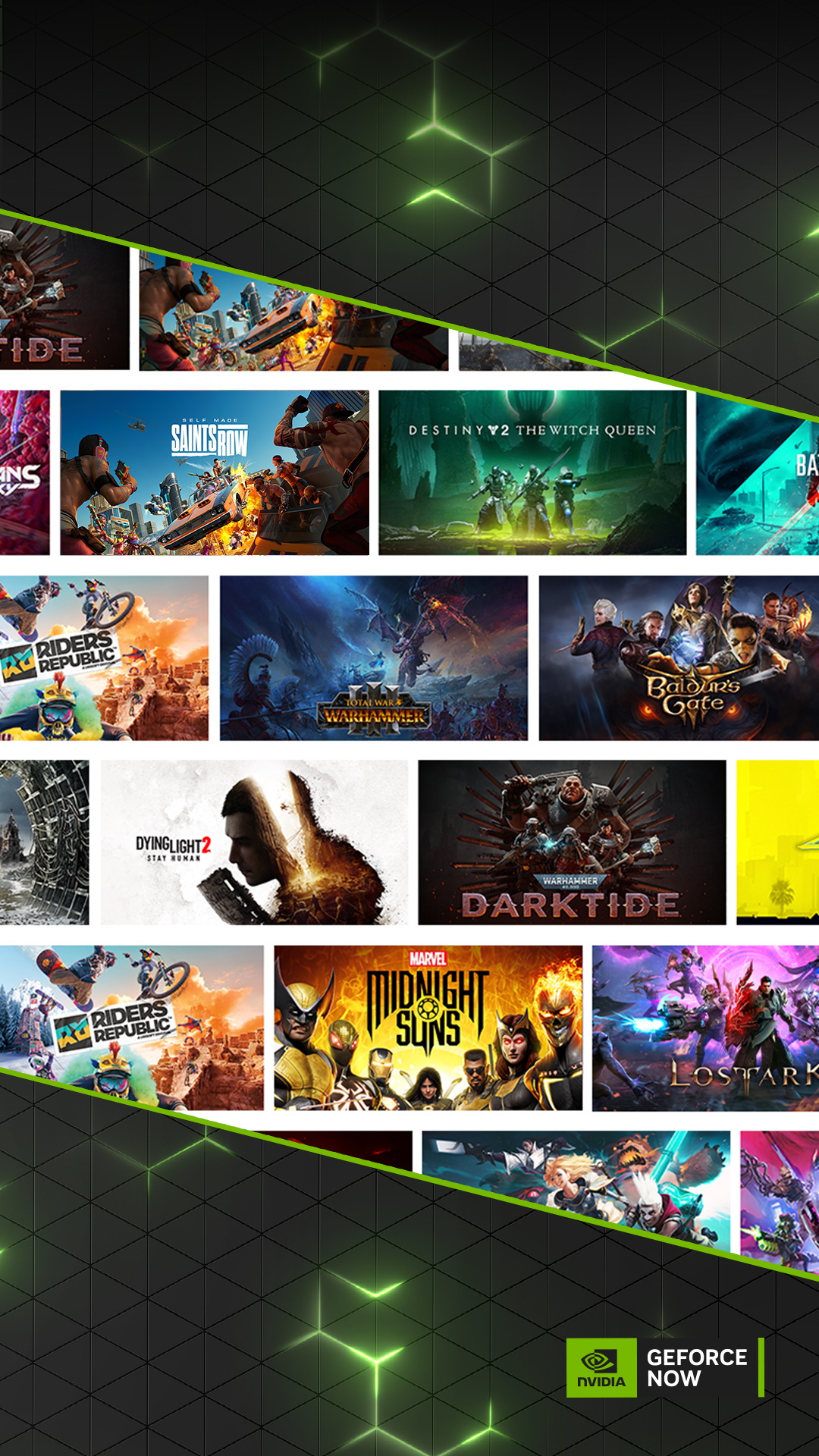
NVIDIA GeForce NOW™ transforms your device into a powerful PC gaming rig.Gamers can play PC titles they already own or purchase new games from popular digital stores like Steam, Epic Games Store, Ubisoft Connect, and EA. Access 1500+ games, with more released every GFN Thursday. The catalog also features many of the world’s most-played games, including 100+ free-to-play titles, like Fortnite, Apex Legends, Destiny 2 and more. Play with and against millions of other PC players, and never wait for downloads, installs, patches or updates.
Downloading the app will not give you access to the service. Streaming with GeForce NOW requires a membership. Give PC gaming a try with our free membership. Or join one of our premium memberships for an enhanced experience including faster frame rates, RTX ON, priority access to our gaming servers and extended session lengths. To learn more about membership options, and to sign-up for GeForce NOW, visit our page here: www.geforcenow.com.
Members looking to continue use of GameStream can use Steam Link to stream games directly from their PC. Steam Link is free, supports 4K resolutions, and available for all major devices and platforms including NVIDIA SHIELD.
For an optimal experience, we recommend 5GHz WiFi or Ethernet connection with at least 15Mbps. You can find a full list of system requirements and supported gamepads here: https://www.nvidia.com/en-us/geforce-now/system-reqs/